spoof26
Spoof your iPhone's location on Find My, Maps, and every other app — from your Mac.

Install
curl -fsSL https://spoof26.pages.dev/install.sh | sh
click to copy
Then run:
sudo spoof26Open source (GPL-3.0). Single file, ~600 lines. Read the script before you run it.
First-time setup
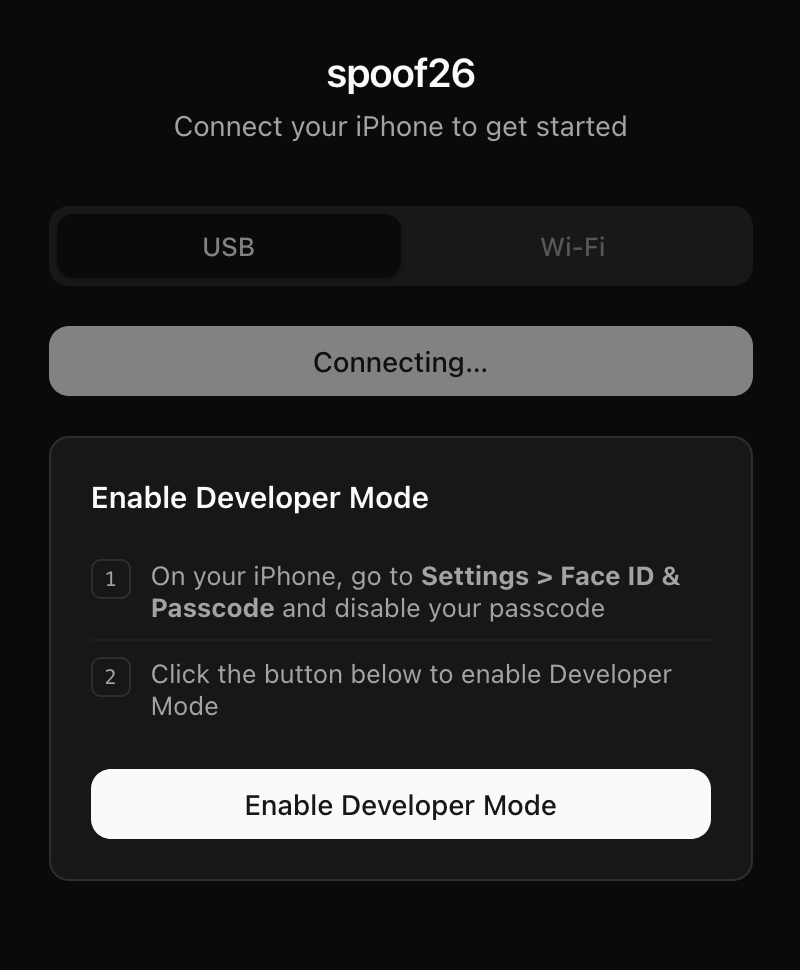
iOS 17+ requires Developer Mode. spoof26 detects this automatically and walks you through it.
Usage
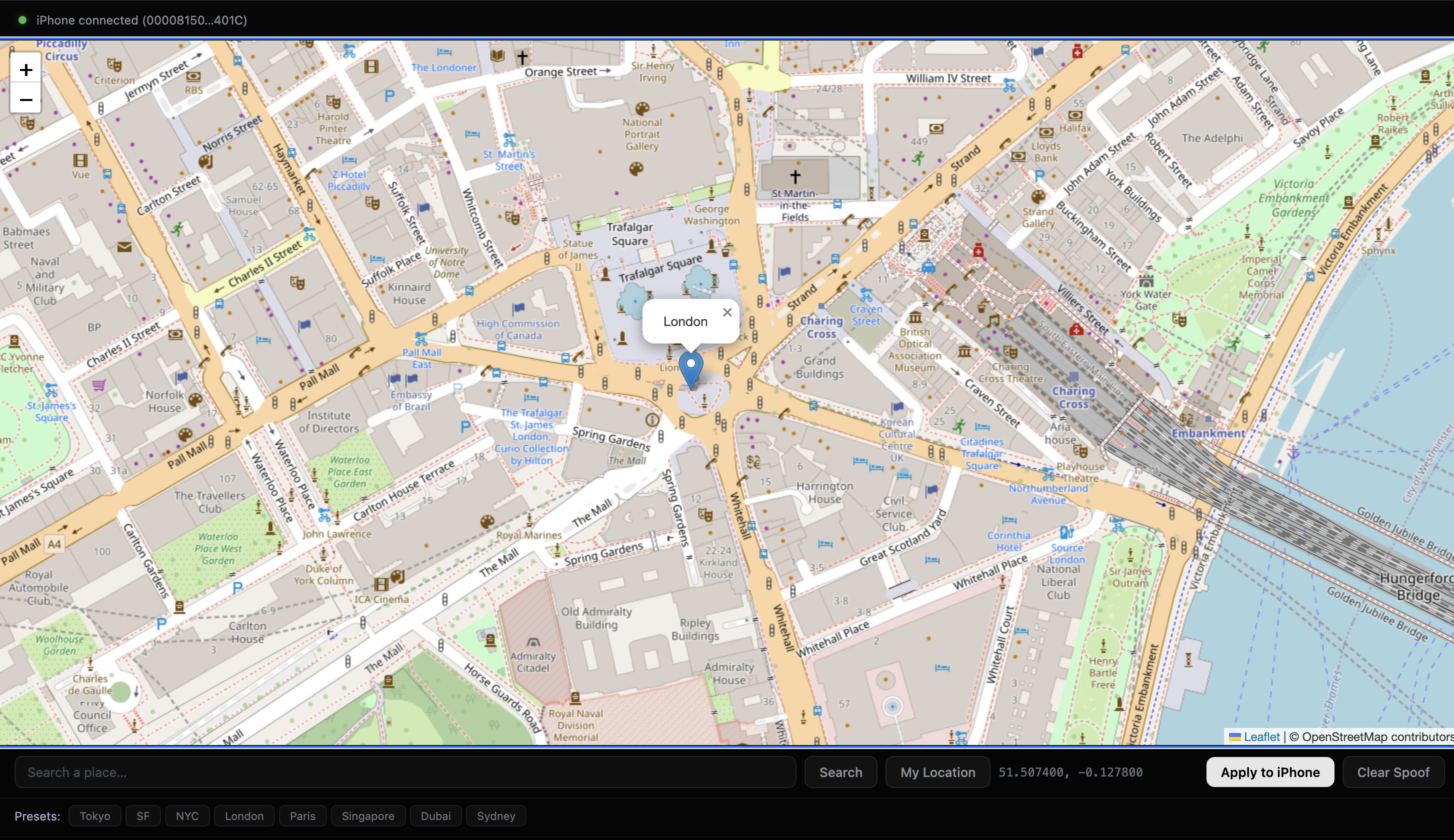
Plug in your iPhone, run sudo spoof26, pick a location, and click Apply to iPhone.
FAQ
Does it work with iOS 26?
Yes. spoof26 is built specifically for iOS 17+ and tested on iOS 26.
Why do I need to turn off Face ID / passcode?
iOS 26 blocks the Developer Mode toggle while a passcode is set. You only need to disable it during initial setup — re-enable it right after Developer Mode is confirmed.
Do I need Xcode?
No. spoof26 uses pymobiledevice3 which handles developer disk images and device communication without Xcode.
How do I uninstall?
Run sudo spoof26 --uninstall to remove everything.